One-click trading
Buy or sell straight from the chart with no pop-up, for fast entries. Prefer a safety check? Turn on "Confirm before order" and every order shows a summary first.
29 features for planning, placing, protecting and reviewing every trade, in one terminal for NSE and F&O.
6 features
Place, split and manage orders in one click, from the chart or the watchlist, with your exits planned before you enter.
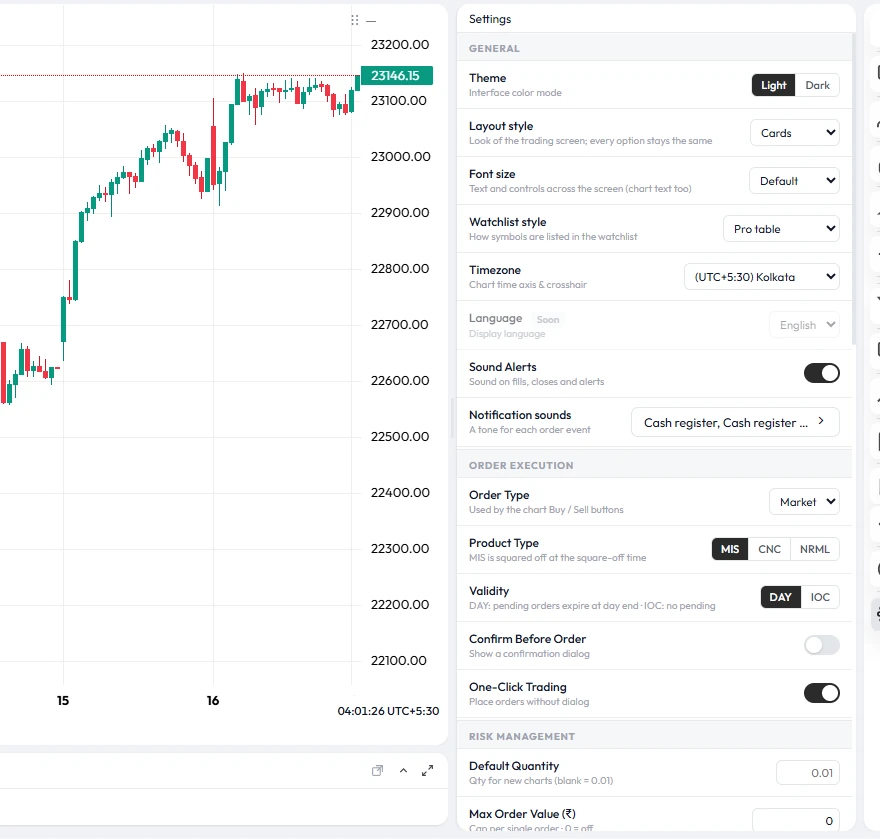
Buy or sell straight from the chart with no pop-up, for fast entries. Prefer a safety check? Turn on "Confirm before order" and every order shows a summary first.
Watchlist styles with built-in Buy and Sell buttons, a trade ticket under the symbol, or bid/ask tiles. Orders follow the same strategy and risk rules as chart orders.
Type a quantity to see the money it needs, or type the amount you want to commit and TradeLite works out the quantity. F&O quantities follow the contract's lot size.
Split one position into up to three parts with three targets. Use one stop-loss for the whole position, or a stop-loss and target for each part, and book profits step by step.
Set the product (Intraday, Delivery or Margin), validity (Day or IOC) and variety (Normal, Stop-loss or AMO) once per strategy. Every order uses them, including live broker orders.
A different tone when an order fills, a pending order is placed, an order is changed, a position closes, an order is rejected or a price alert fires. 14 tones to choose from.
5 features
Your rules are checked on the server for every order, from the chart or the API, so they hold even when emotions run high.
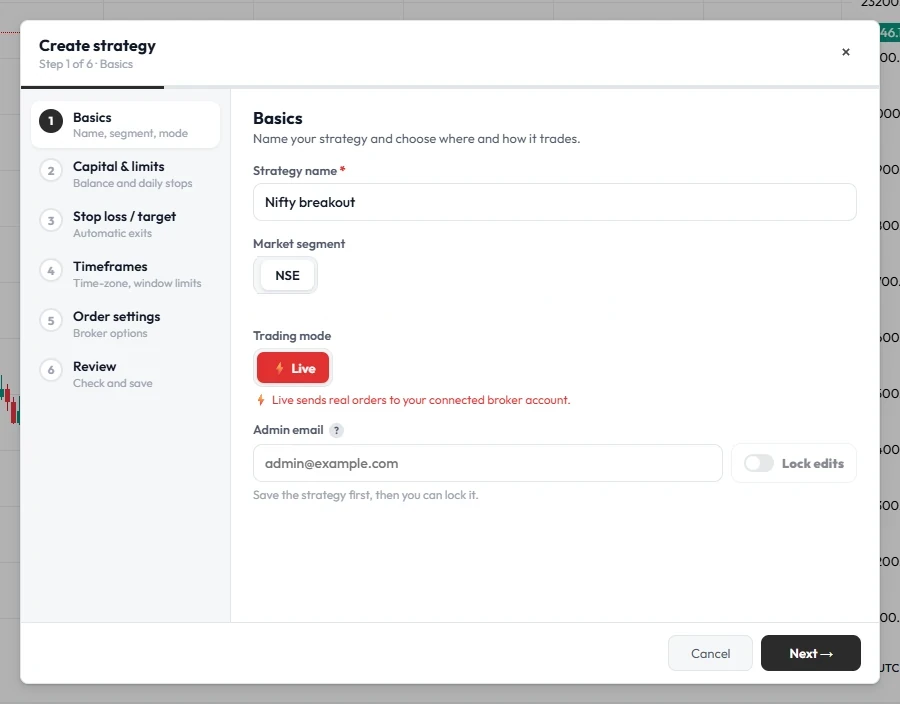
Set limits per strategy for the day and for 1-minute up to monthly windows, in money or pips. When a limit is reached, new entries are blocked until the window resets; open positions keep their stop-loss and targets.
Cap how many positions and pending orders a strategy can hold at once. It stops over-trading and doubling down after a loss.
One button, after a confirmation, ends trading on a strategy for the rest of the day. Pending orders are cancelled and new orders are refused until the next session.
Lock a strategy's rules so they can't be changed in the heat of the moment. Editing, deleting or unlocking needs a one-time code sent to an admin email you choose, such as a mentor's.
When a spike takes out your stop and the price comes back, TradeLite places a re-entry at your original entry price, with a new stop beyond the spike. You set how many re-entries and how long each waits.
5 features
Write your own indicators and strategies, test them, run them on our servers or connect your own program. Every automated order still passes your risk rules.
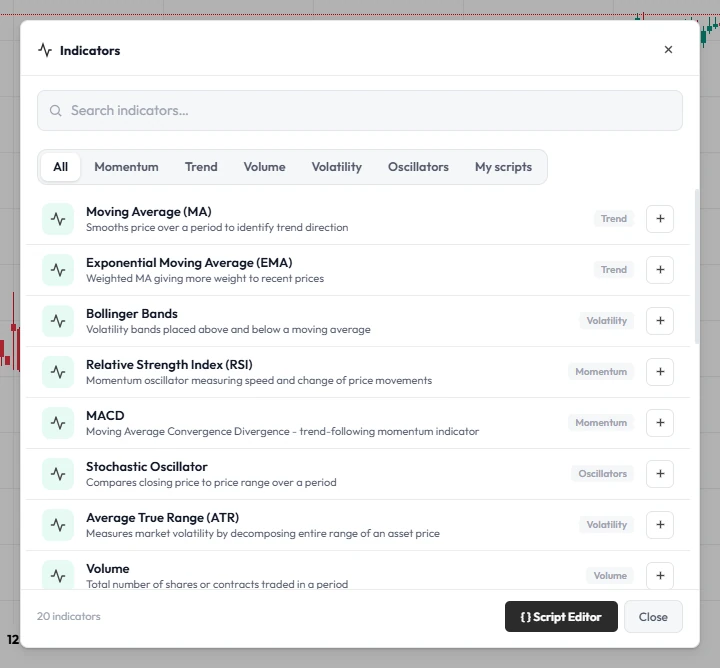
Create API keys for a strategy and place, close and list orders from your own program, a bot or TradingView alerts. Keys are paper-only until you allow live orders, and can be deleted any time.
Write indicators and strategies in TL Script, TradeLite's own scripting language. Describe what you want in plain words and the AI assistant writes, explains or fixes the script.
Add your own lines, fills, markers and labels to any chart, and backtest strategies in the Strategy Tester with an equity curve, trade list and key statistics.
Market news for NSE stocks next to your chart, with an economic calendar of high- and medium-impact releases and central-bank updates, so you can plan trades around events.
2 features
Talk with other traders and share your results, all inside the app.
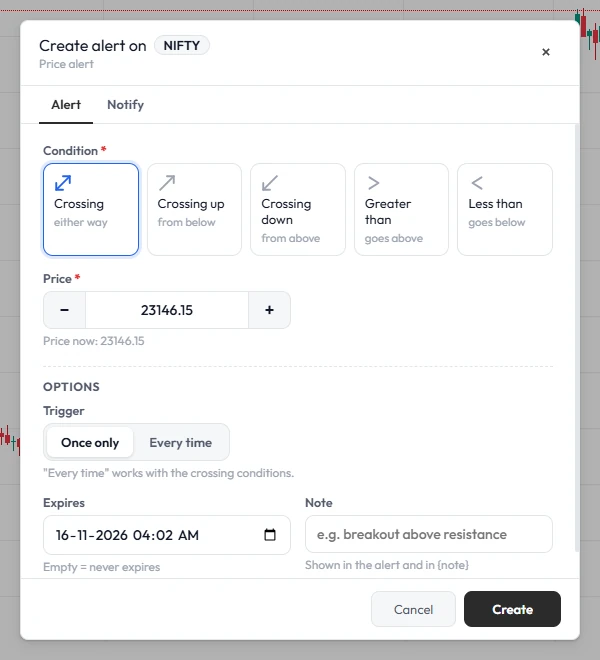
Chat live in Global and NSE rooms, or create private rooms for your own group and invite members with a link. Report and delete tools keep the rooms clean.
Share your day's P&L card with a tradelite.in link that opens a clean statement of your trading day: closed trades, win rate, a timeline of every trade and live open positions. Never your balance.
7 features
A professional charting terminal you can arrange your way, on any screen size.
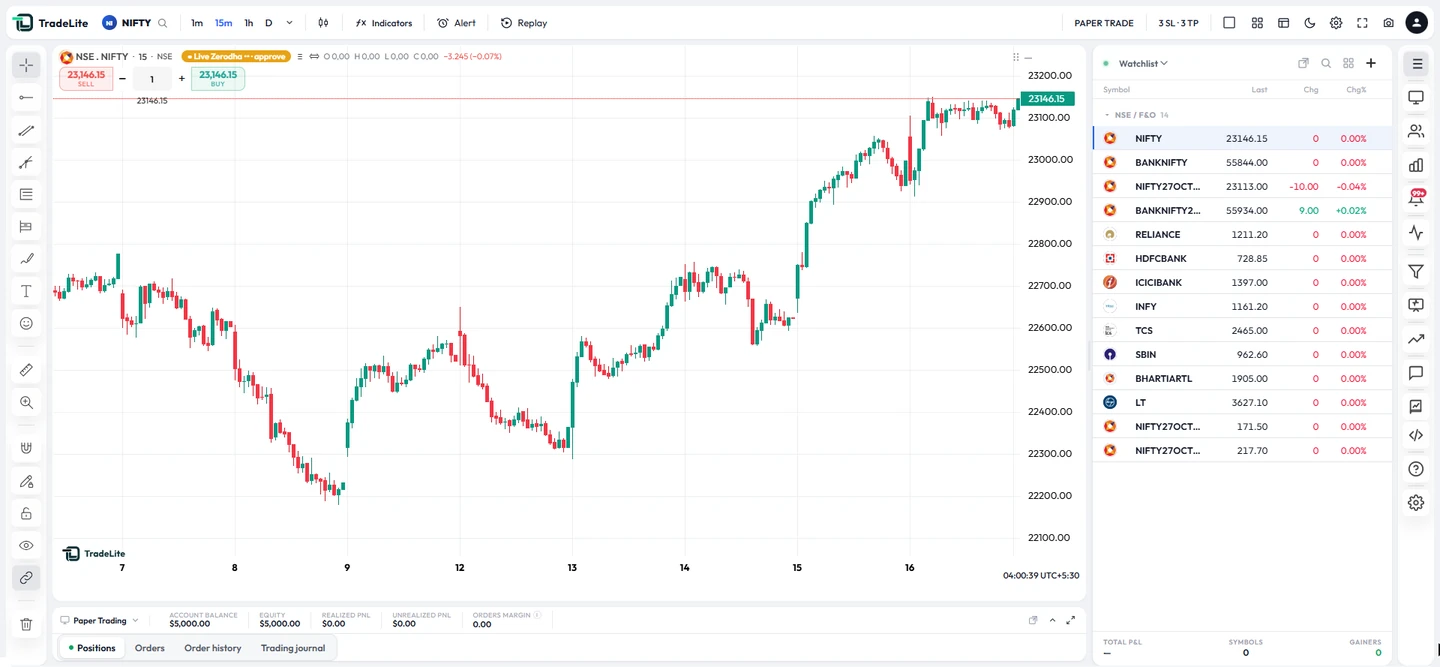
View 1, 2, 3, 4, 6 or 8 charts at once. Charts of the same symbol share the crosshair, so you can line up the same moment across timeframes.
Cards, Glass, Focus, Brand, Classic or Default. Every style keeps the same buttons and panels, works in light and dark, and follows you to every device.
Choose how entry, stop-loss and target labels look, on the left or right. Drag a line to move a level, close one target with a tap, and see the risk-to-reward zone.
Nine watchlist styles, from a pro table grouped by market to sparkline cards, bid/ask tiles and a trade ticket under each symbol.
Trend lines, Fibonacci, long and short position tools, text and notes, callouts, arrows, brushes and shapes, saved with your chart.
Go back to any bar and replay the market candle by candle. Place practice trades with your stop-loss and targets and watch them play out.
Switch with one click. TradeLite even offers to turn your drawings white in dark mode and back again.
5 features
Build skill before real money is at stake, learn from every trade, and get help in seconds when you need it.
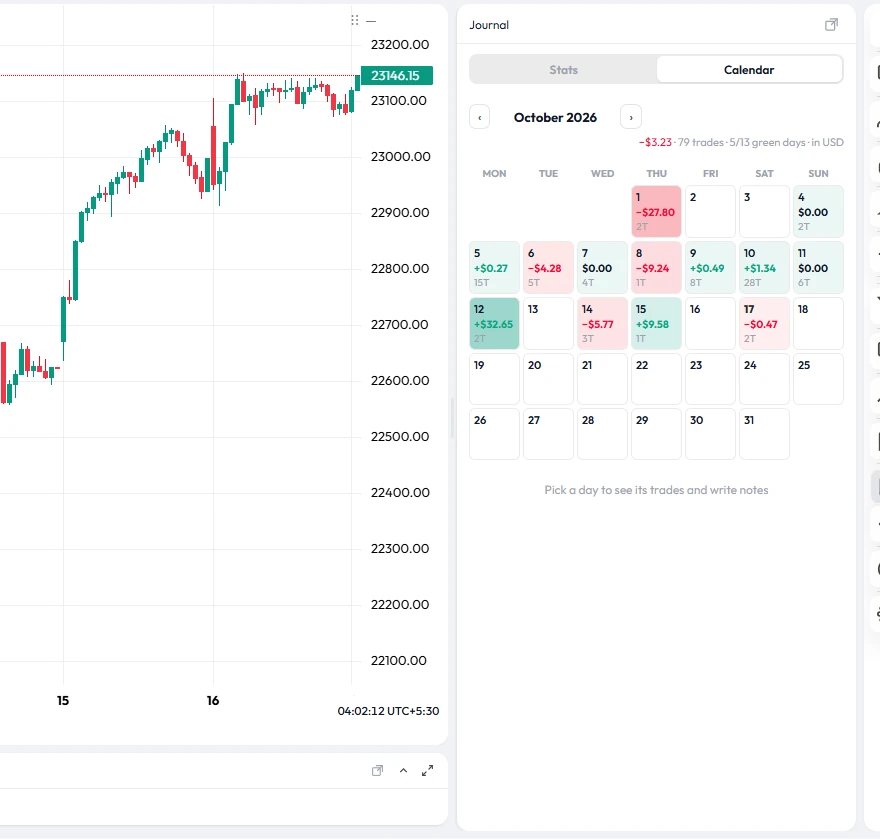
Trade NSE and F&O with a virtual balance at live prices, with the same order types, stop-losses and risk rules as live trading.
Every closed trade recorded automatically: net P&L, win rate, profit factor, expectancy, drawdown and streaks, with charts by day, symbol and hour, and tips such as trades taken without a stop-loss.
Ask anything about using TradeLite. Matching help sections appear instantly and the AI answers in plain words. It explains the platform; it never gives buy or sell tips.
Tap "Talk to a human" to chat with the TradeLite team. Your assistant conversation is passed along, so you never repeat yourself.
Raise a ticket by topic, follow its status, and get every reply in the app and by email.
Limits are checked for every order, whether it comes from the chart or the API.
Practise at live prices, then route the same strategy to your own broker account.
The same terminal in the browser, the desktop app and on your phone.
Open a free paper trading account, set your rules, and trade your plan at live prices.